
Renchise VaultStudio
Passport photos · ID Vault · Studio. Private and on‑device.
AI Passport Photo, ID Vault & Creative Studio
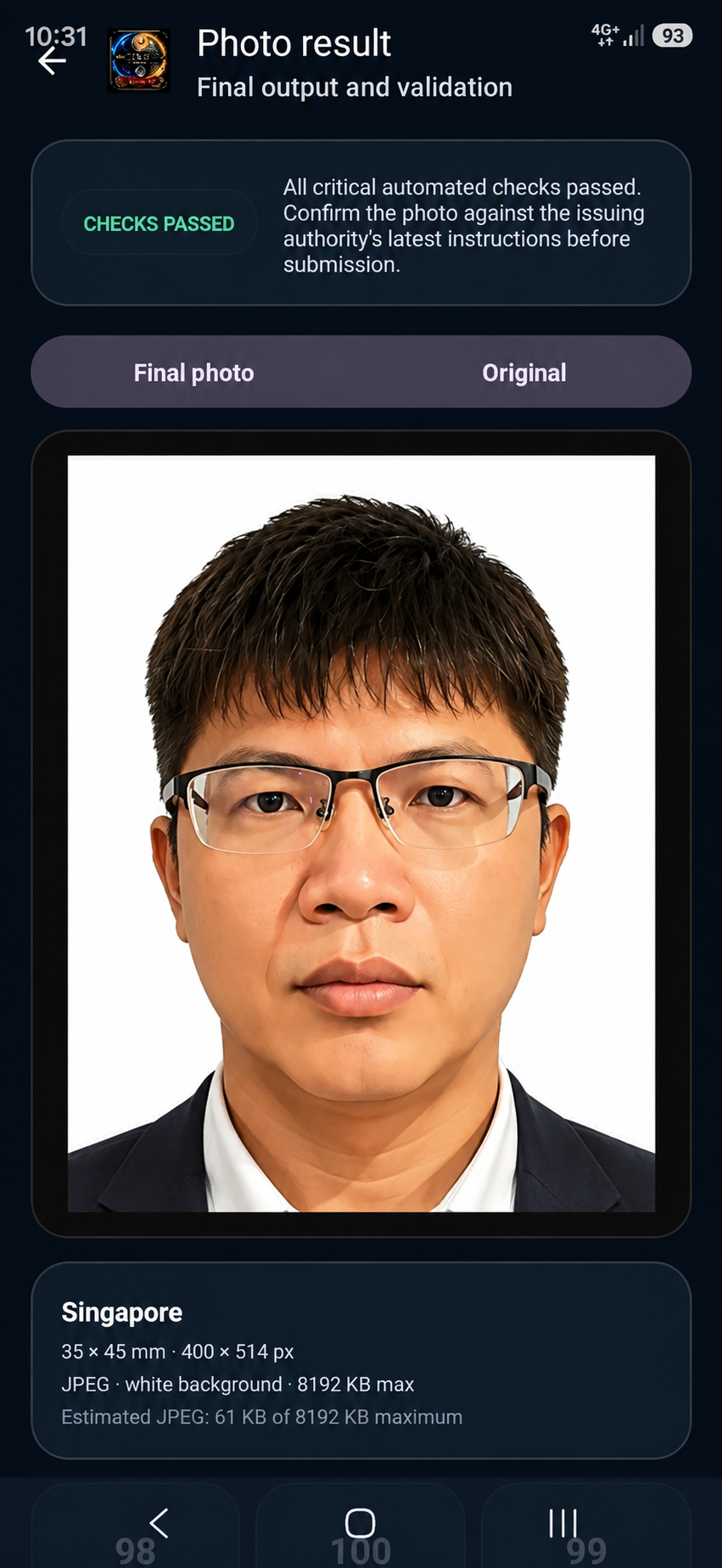
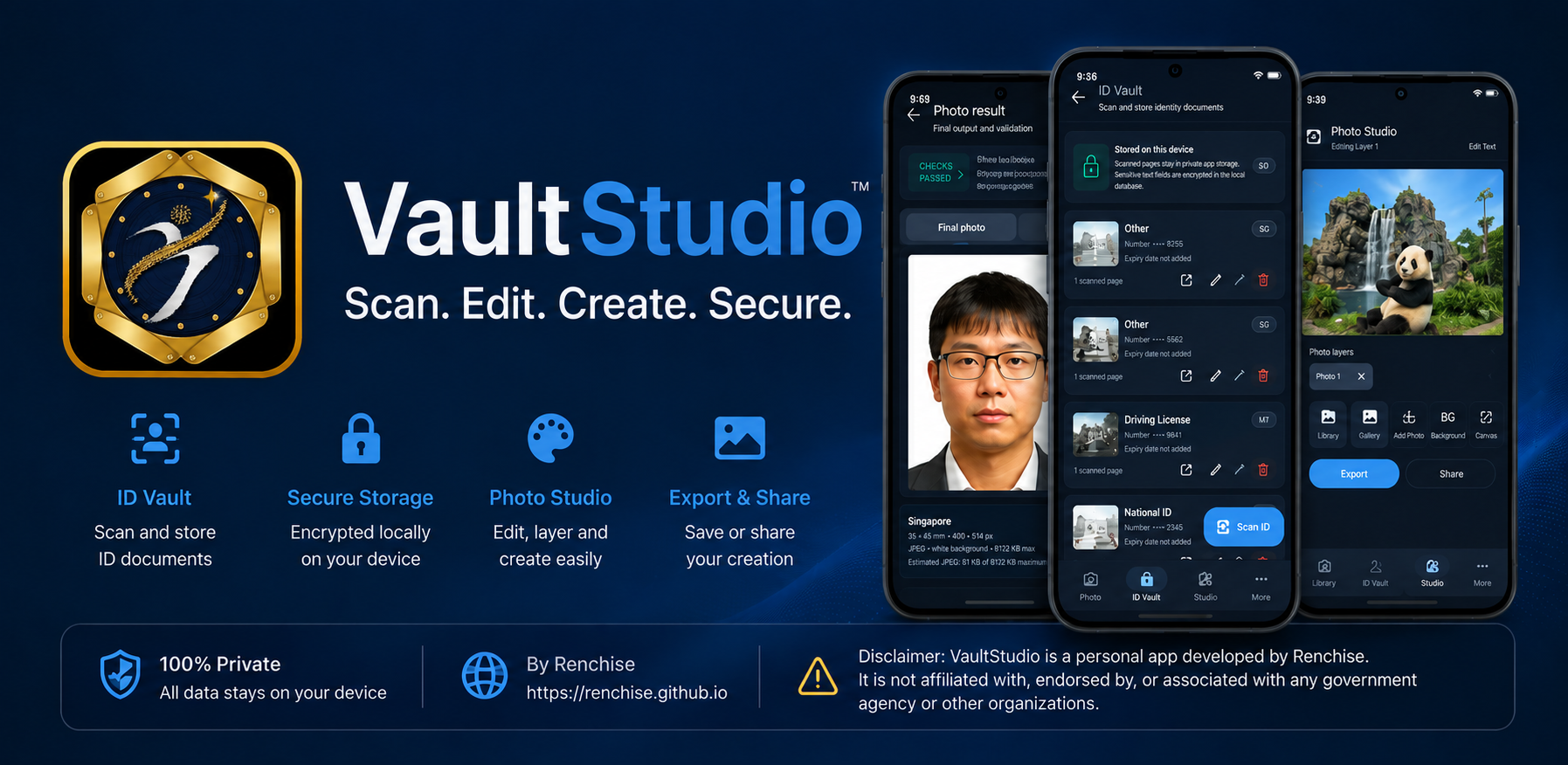
Renchise VaultStudio combines automated passport photo compliance checks for 50+ countries, encrypted on-device ID storage, and creative photo studio tools in one private app.
Core Features & Tools
Powerful tools for passport compliance, secure offline ID storage, and creative studio editing.
📷 Passport Photo Studio
Automated framing and compliance checks for international travel documents.
- 🌐 50+ Country Standards – Pre-configured templates for passports, visas, and ID cards worldwide
- ✨ Auto Background Replacement – Clean background cutout and replacement with standard white/light grey
- 📏 Precision Framing & Crop – Automatic head sizing and eye alignment guidance
- ⚠️ Guidance & Compliance Checks – Automated checks for lighting, face orientation, and shadow detection
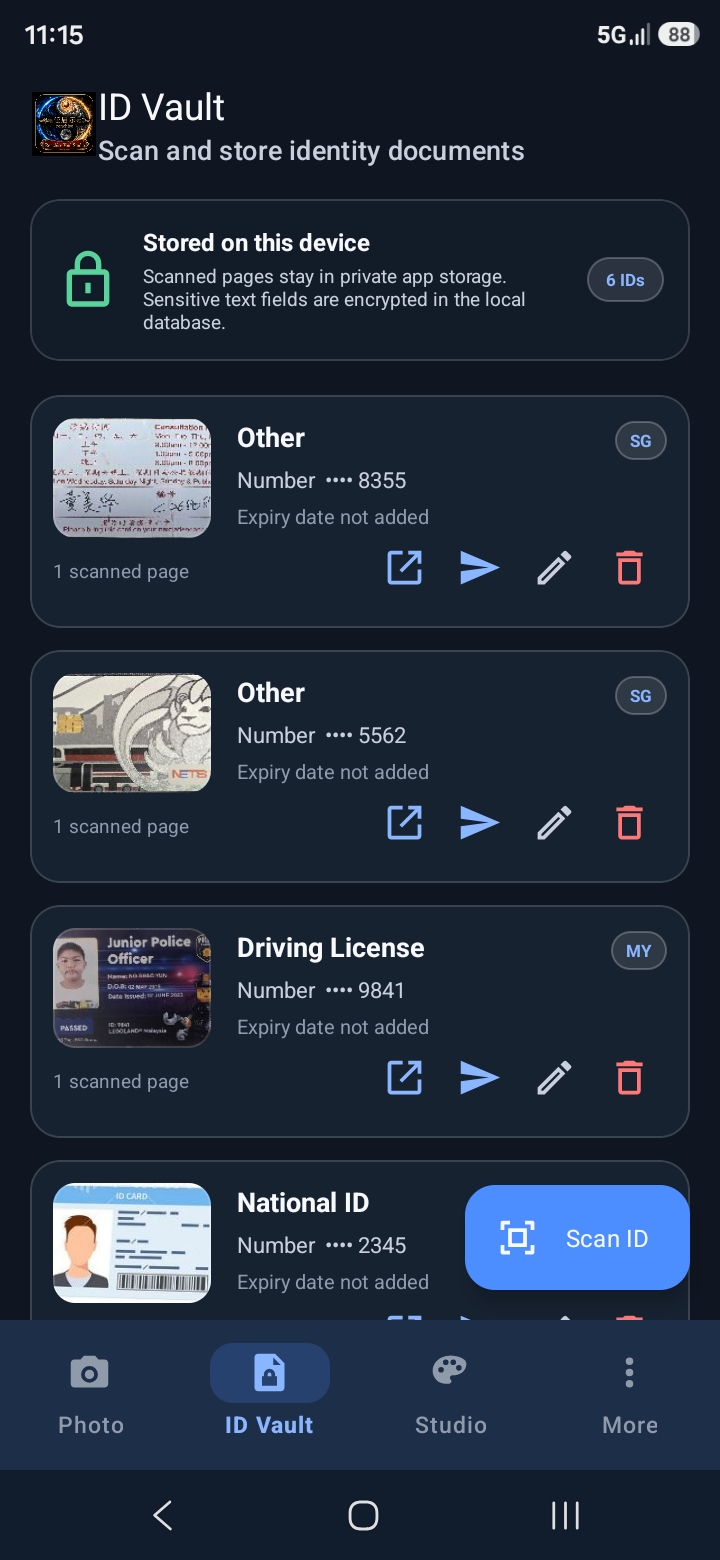
🔐 Encrypted ID Vault
Private, offline storage for sensitive identity documents.
- 📇 Front & Back Scans – Store structured front/back captures of driver's licenses, IDs, and membership cards
- 🔒 100% Offline Storage – All scans remain strictly on your device; zero cloud upload
- 📁 Organized Document Gallery – Quick search, categorization, and easy local viewing
- 📤 User-Controlled Export – Share or print documents only when explicitly initiated by you
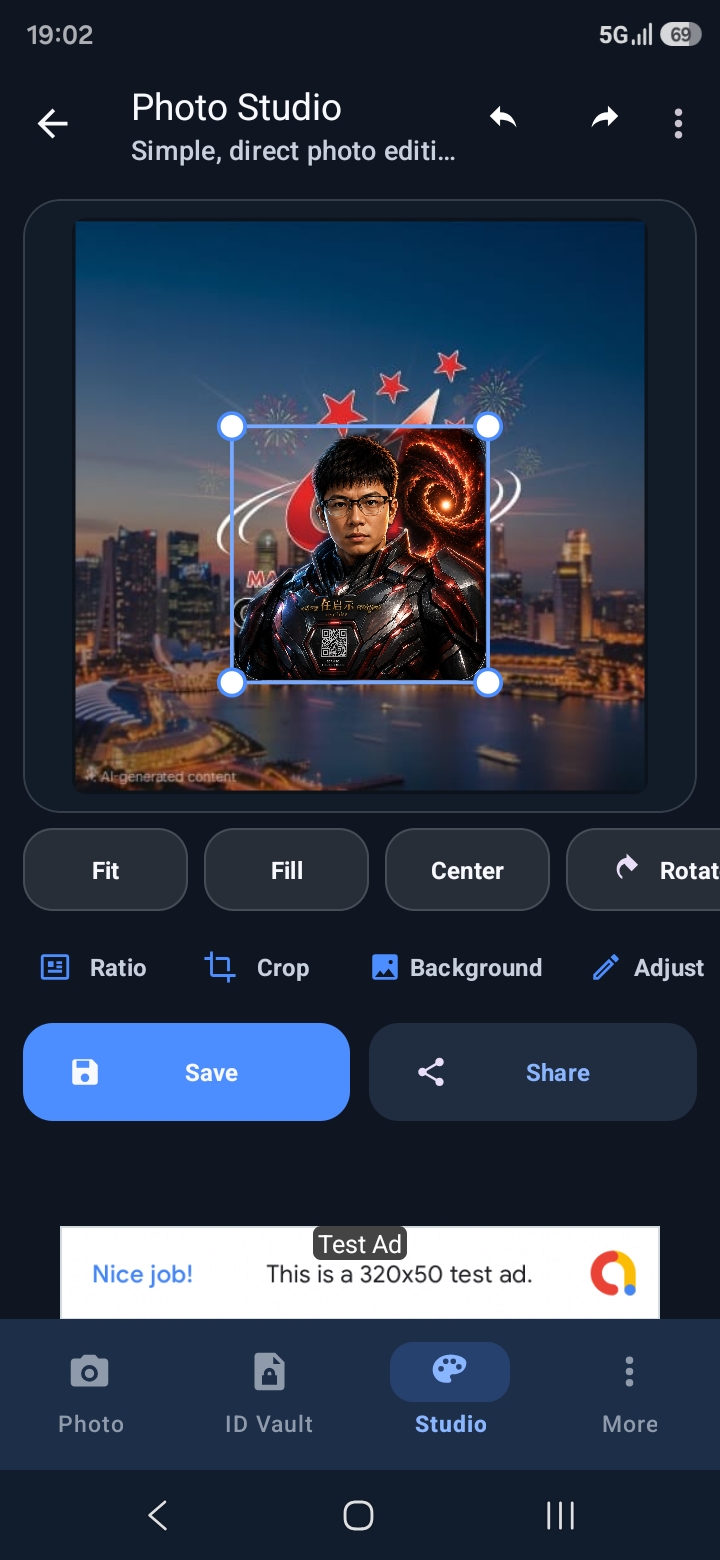
🎨 Studio Editing Tools
Versatile creative photo editing independent of passport requirements.
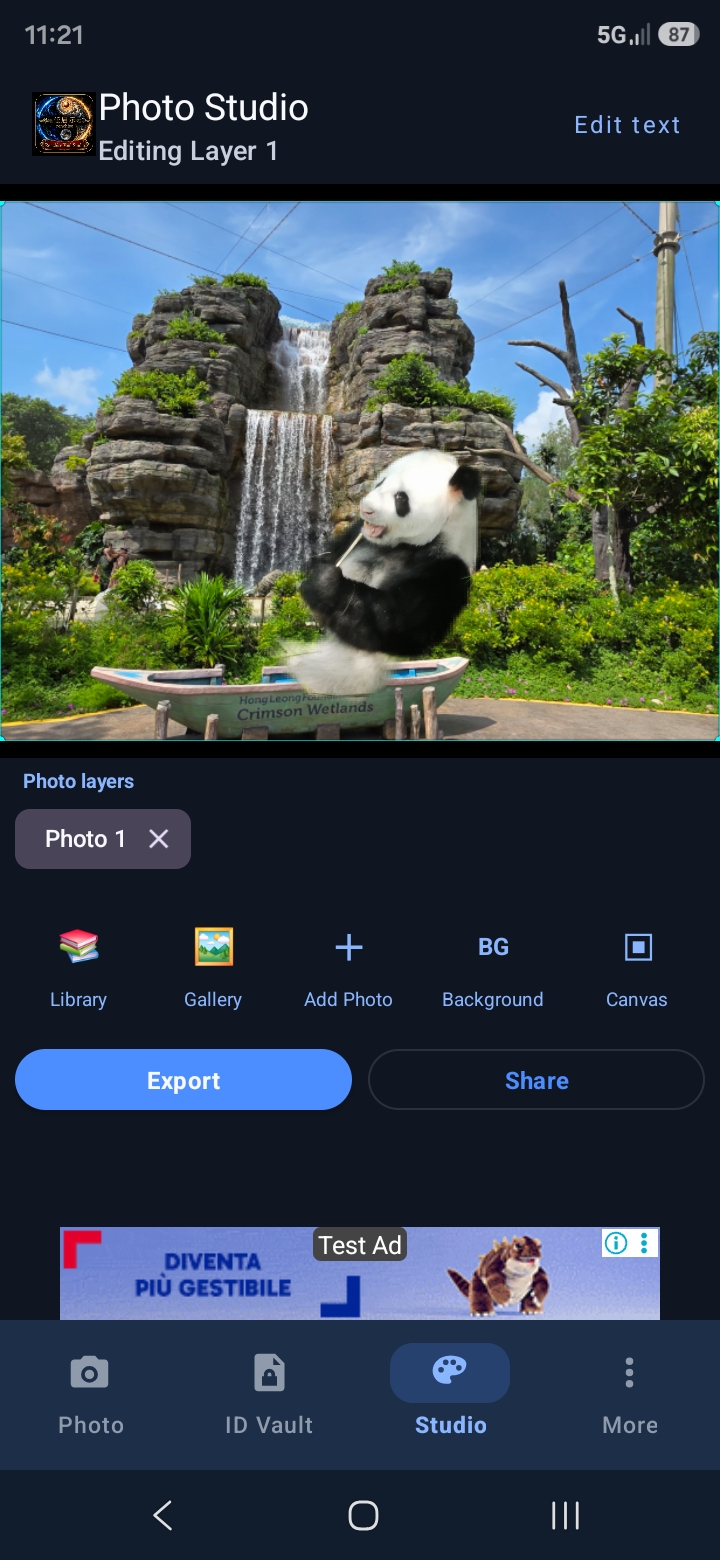
- ✂️ Background Removal – Cut out subjects from photo backgrounds with 1 tap
- 📐 Canvas Resizing & Crop – Custom aspect ratios and dimensions for digital or print use
- ✍️ Text Overlays & Watermarks – Add custom labels, notes, or privacy watermarks
- 🎛️ Fine Color Adjustments – Tweak brightness, contrast, and tone for crisp exports
🛡️ Device Lock & Security
Native security protections for sensitive app content.
- 👆 Biometric / PIN App Lock – Protect app access using your device's native lock screen (Fingerprint, PIN, Pattern)
- 🚫 Zero Cloud Analytics on Scans – Document scans and photos are never processed by external servers
- 📱 On-Device AI Models – Background removal and face alignment run locally on your phone
Policy Summaries
Short, visible notes are shown here; full pages contain complete legal wording.
🔐 Privacy
VaultStudio processes all photos and scans on-device. No image data is sent to Renchise servers. AdMob may process device identifiers per Google policies.
🛡️ Security
Use native screen lock to protect the app. Sensitive scans remain local — share only when you intend to send a copy outside the app.
⚠️ Disclaimer
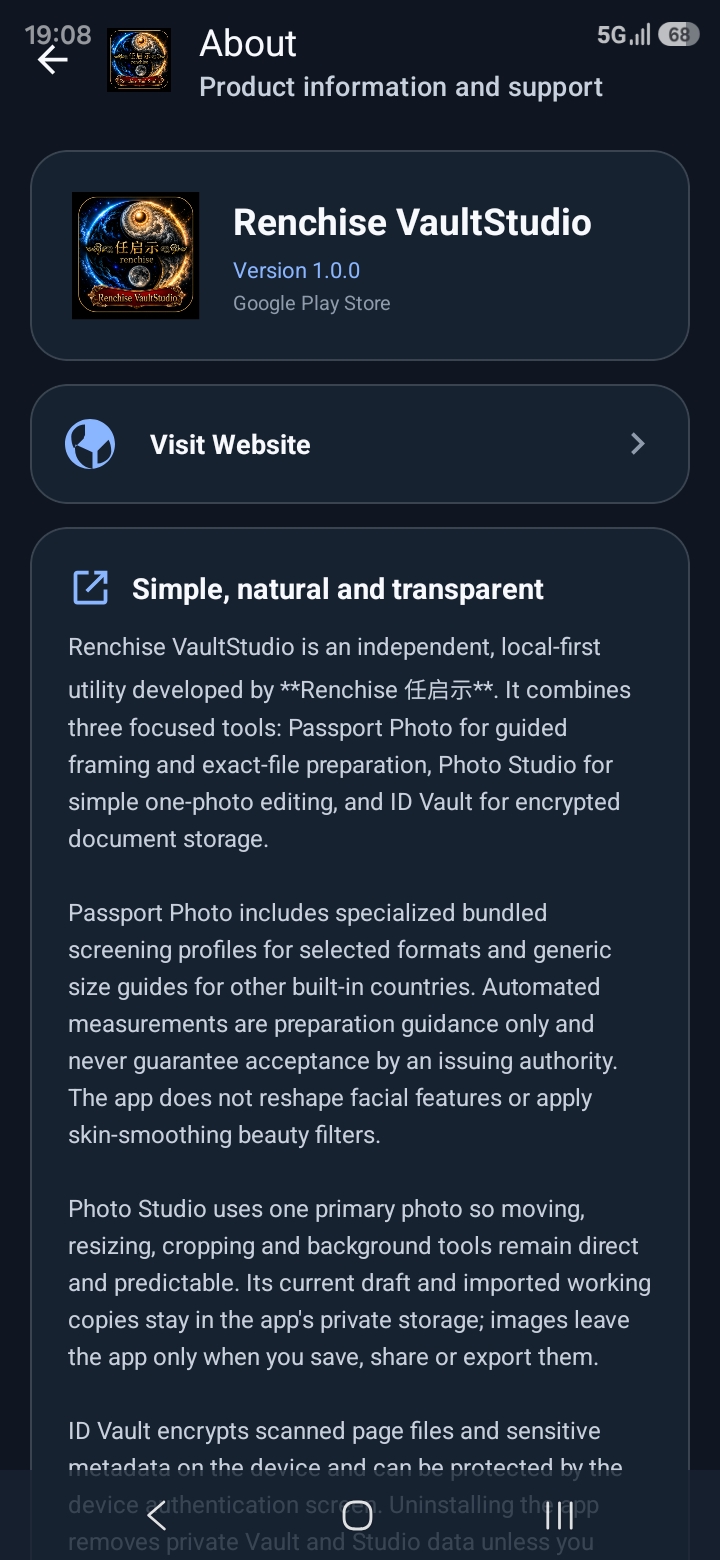
Renchise VaultStudio is an independent app. It is not affiliated with, endorsed by, or acting on behalf of any government, embassy, or passport authority.
📄 License
Third-party components, services, and logos remain subject to their own licenses, terms, and trademarks.
Screenshots